When the request is online webmaster, we look at the live site first. The check we expect to matter is: the admin password in the folder is for an old address.
Taking over a site means learning what is custom before changing it. The last webmaster may have left the host login, a mess of files, and no note about which page is safe to edit.
We do not propose a rebuild until we know the current site cannot do the thing you need. Most of the time it can, and the last person simply left.
The first job is access and a map: host, admin, forms, and which pages are safe to edit. The second job is the change you have been waiting on.
Most of this work happens on the site you already have. You do not need to be in Toronto. The first step is still a look at the live page.
Call 905-426-1784. We look at the site and tell you what the work is before it starts. The service page for this is a new webmaster.
Great experience with Computer Geek. They helped with my website needs and were professional, respon . . . [MORE].

Great, quick service when my laptop went into meltdown and also needed Windows 11 installed. Also ca . . . [MORE].
It was a great experience to working with you. thank you so much. . . . [MORE].
Thank you so much for great service and over all experience is good . highly recommended for all peo . . . [MORE].
We engaged The Computer Geeks in mid-2023 as they have a reputation for API integration within the T . . . [MORE].
WordPress says Error esta

WordPress is stuck on sch
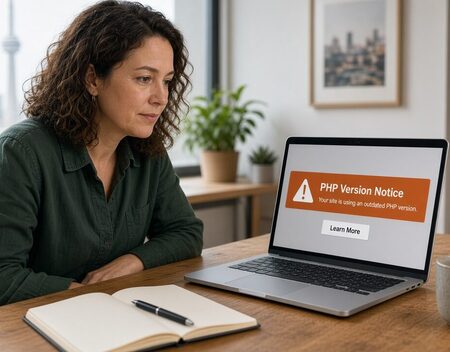
Your host is forcing a PH


